1. Select “Scan ID”
On the registration or check-in screen, choose the ID scan function.
 OXU VIỆT NAM
At every check-in, reception has to enter ID details for guest registration. Typing by hand is slow and prone to errors in ID numbers, dates of birth and addresses – especially at peak times or with groups.
A citizen ID scanner reads the chip or the QR code printed on the front of the CCCD card and fills in the form automatically, so reception can process many guests quickly with fewer data errors.
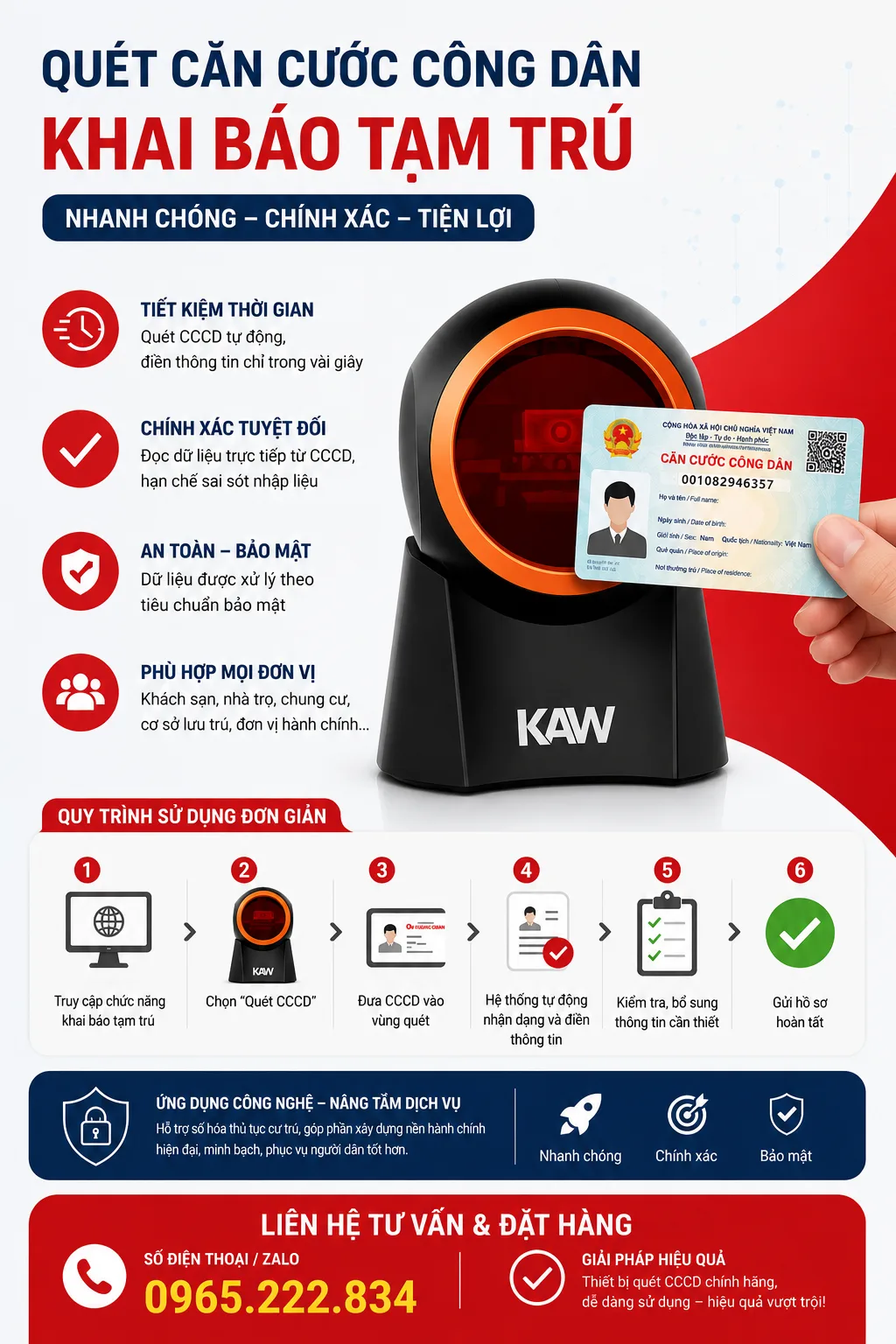
On the registration or check-in screen, choose the ID scan function.
Place the front of the CCCD card on the scanner; it reads the chip or QR code in seconds.
Full name, ID number, date of birth, gender and permanent address are filled in automatically.
Add any missing fields such as room number and length of stay, then submit.
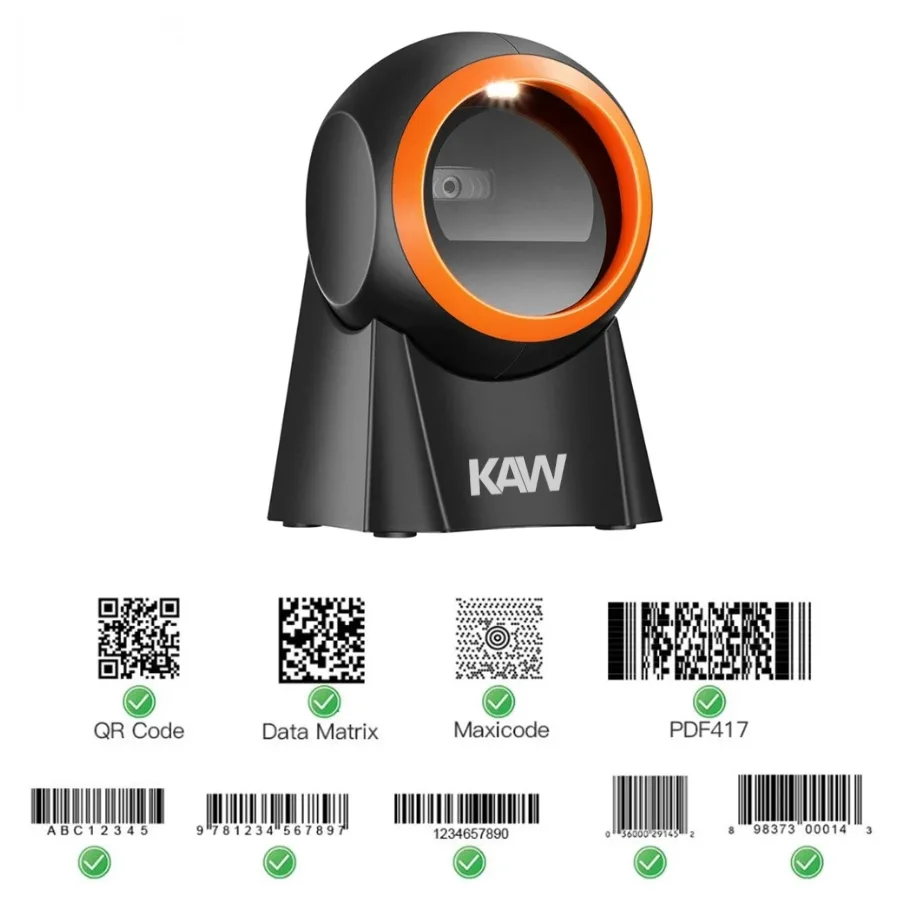
A dedicated model for guest registration at hotels, guesthouses, homestays and rental apartments.
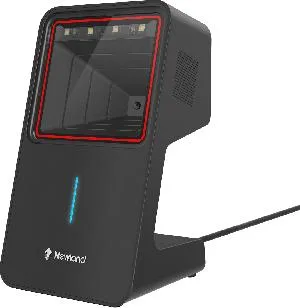
A desktop scanner that reads both barcodes and CCCD cards, ideal for a combined reception and cashier desk.
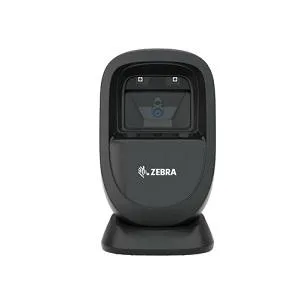
A Zebra scanner for barcodes and CCCD cards, built for high-volume properties.
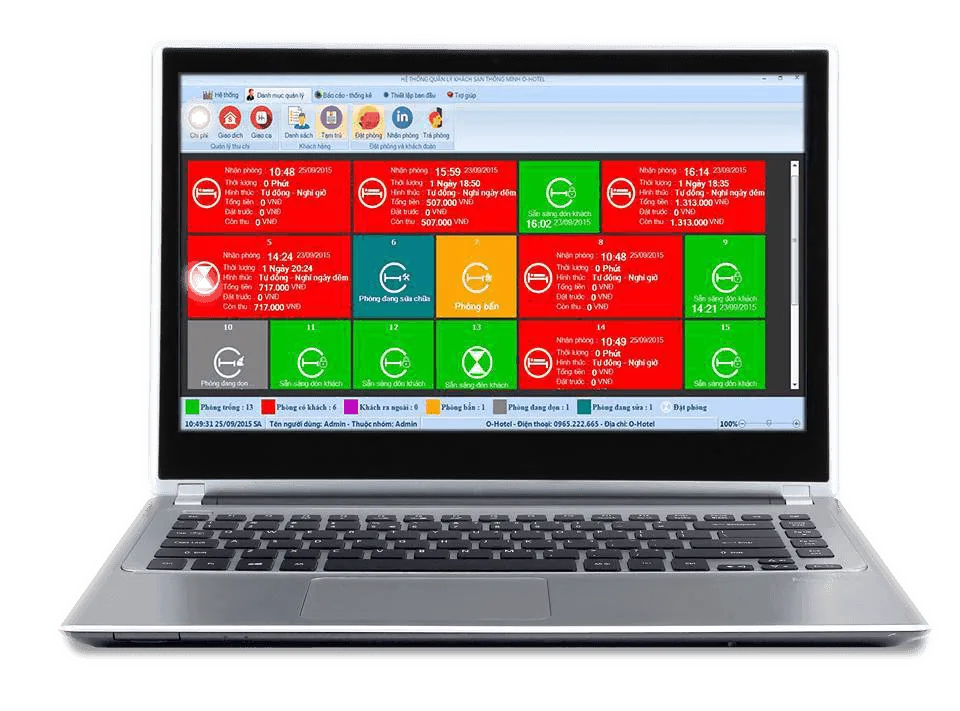
Use the CCCD scanner with OHOTEL hotel management software for a seamless check-in, guest record and billing process. Contact OXU for advice on the right setup for your property.
Full name, personal ID number, date of birth, gender and permanent address.
It reads the chip or the QR code printed on the front of the card.
Just a few seconds per card.
Hotels, guesthouses, homestays, rental apartments and any business that registers residents.
Call 0965.222.302 for advice on the right model and a quote.

Managing hotel bookings in Excel looks cheap but carries serious risks such as overbooking and revenue leakage. Learn a more effective solution for your hotel.
Read more →
Multi-channel room distribution in 2026 helps hotels increase occupancy and revenue. Learn how to manage OTA bookings effectively and avoid overbooking.
Read more →
How much does hotel management software cost and is a free version worth it? Compare costs, pros and cons, and learn how to choose the right solution in 2026.
Read more →