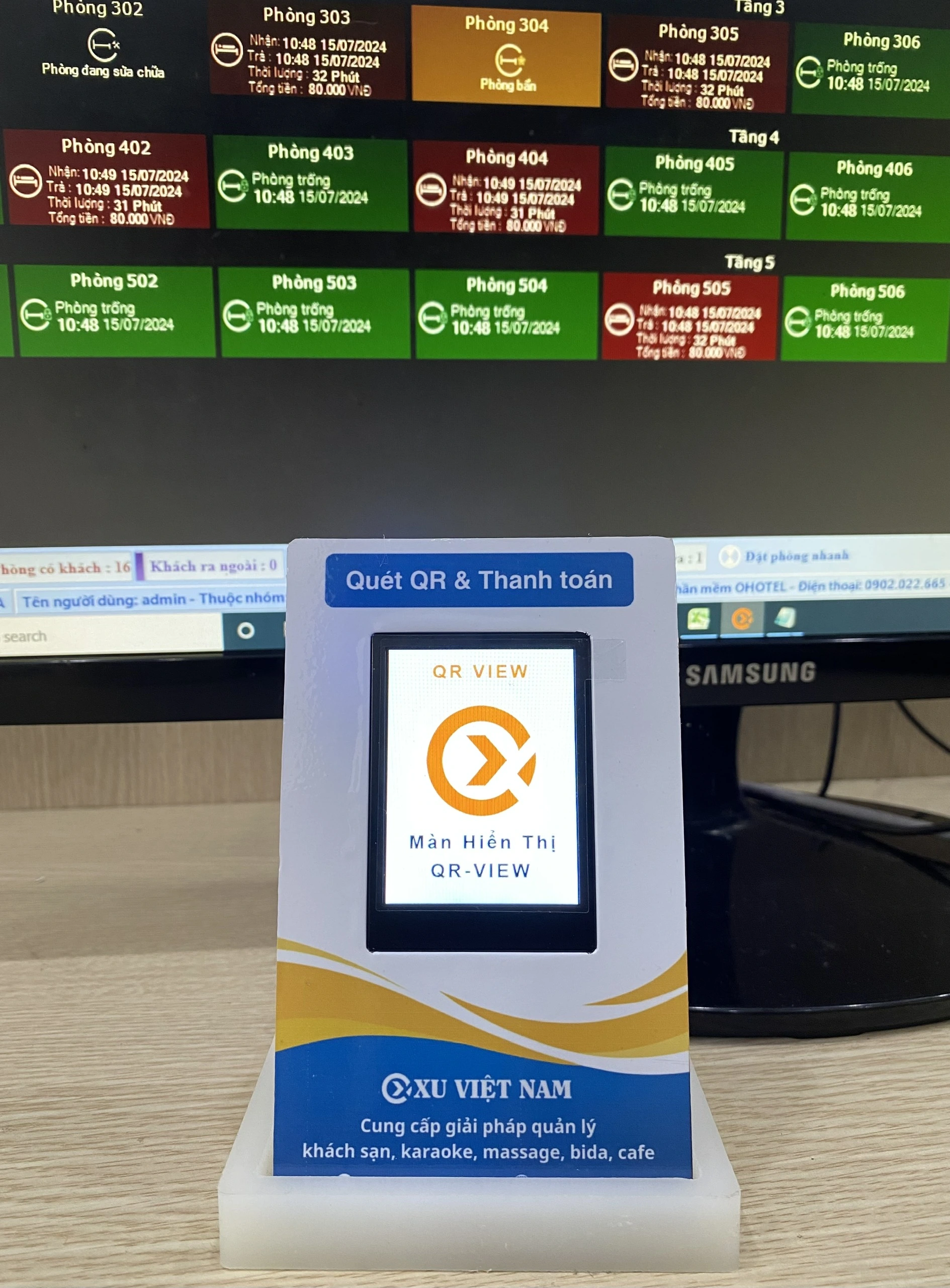
Exact-amount QR
The QR is generated from the bill total, using the bank account set up in your billing software.
 OXU VIỆT NAM
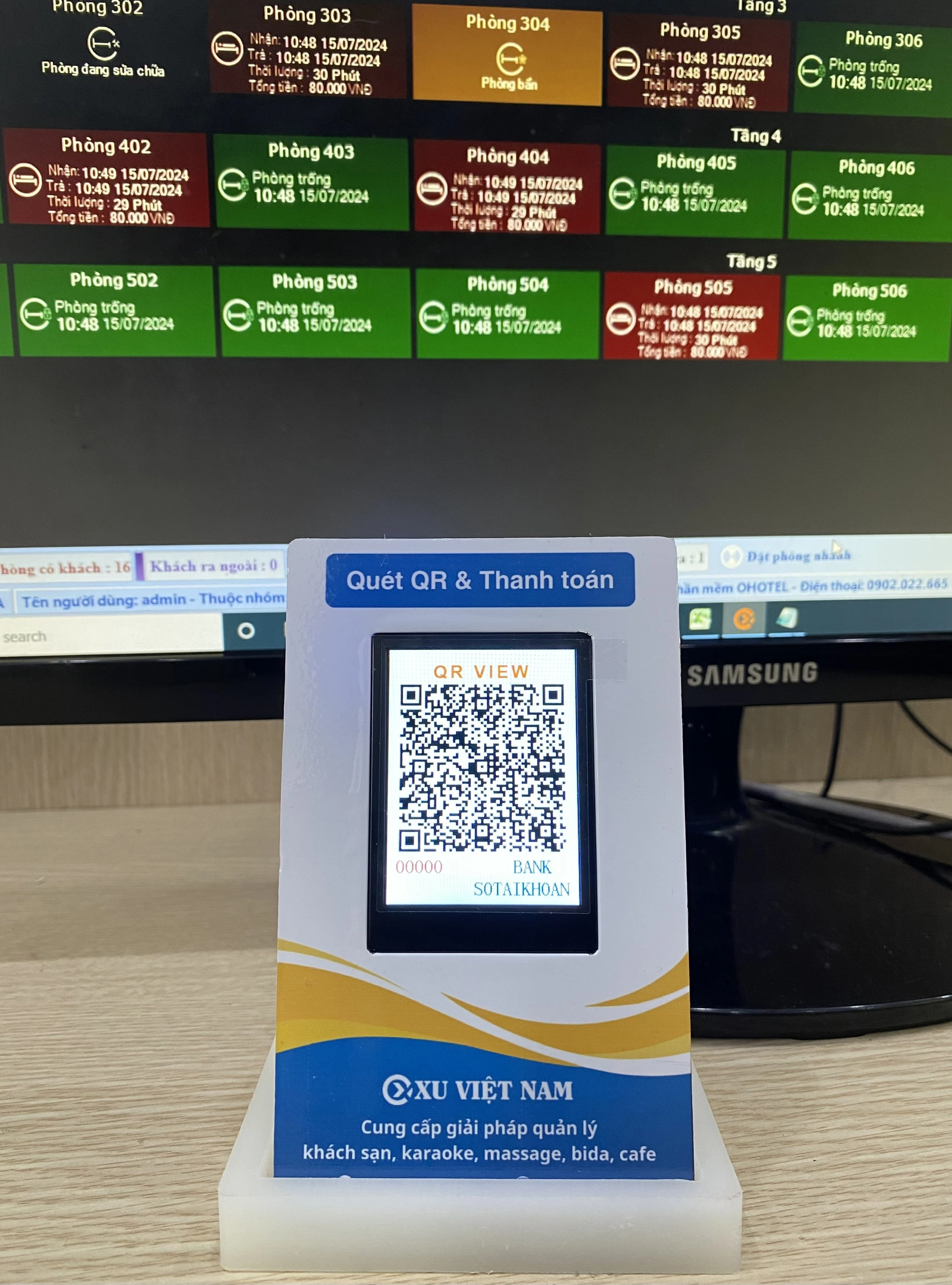
A dynamic QR display sits at the checkout counter and automatically shows a bank-transfer QR code that already contains the bill amount as soon as staff press pay in the software. Customers just scan and confirm – no typing amounts or transfer notes.
Unlike a printed QR code, a dynamic QR is synced with your sales software, so every transaction is recorded, reducing wrong amounts and fake transfer screenshots.
The QR is generated from the bill total, using the bank account set up in your billing software.
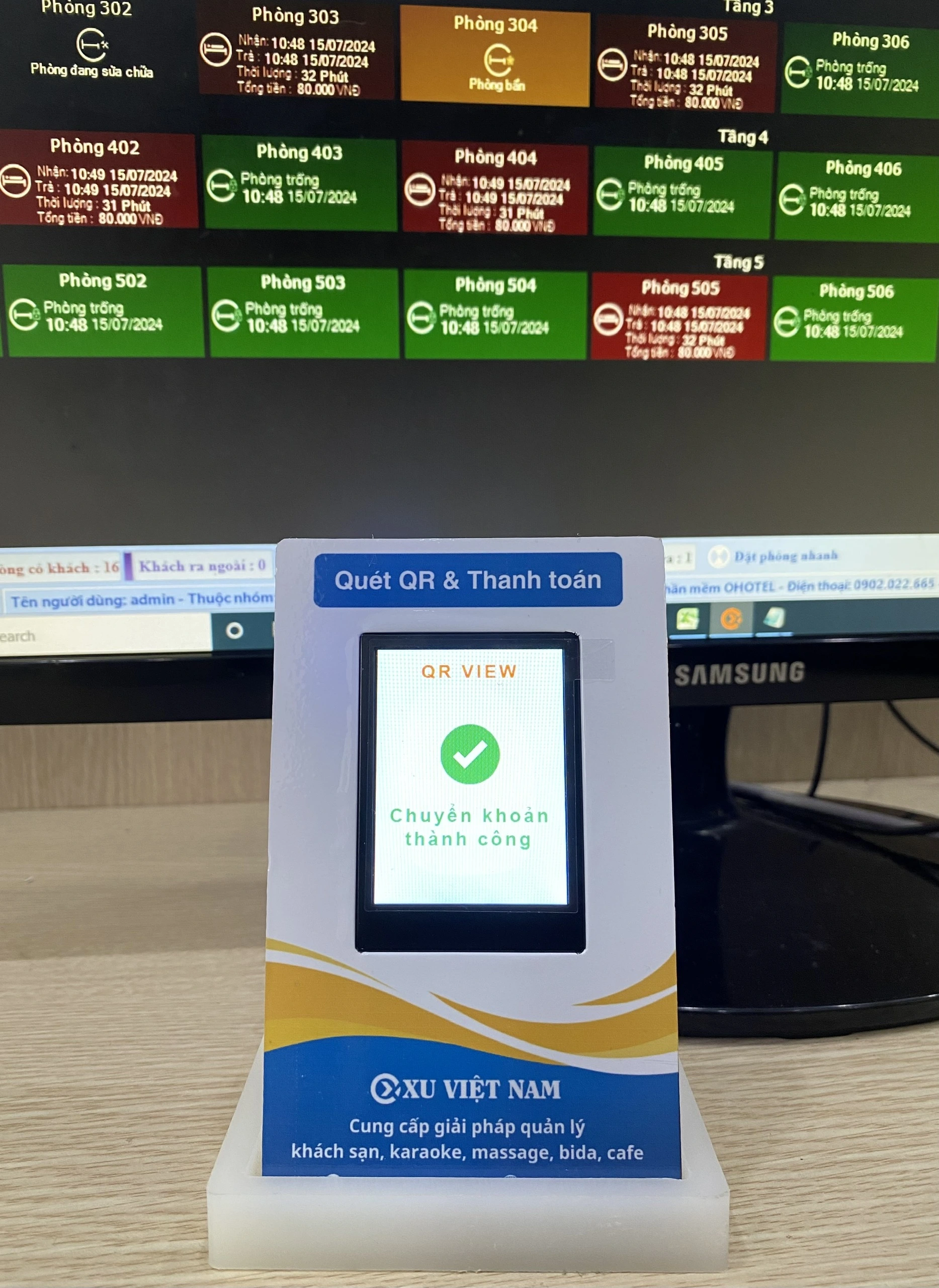
A built-in speaker announces transactions, so cashiers don’t need to check their phone.
Connects to the computer with a single 2 m USB cable; payment details are configured in the software.
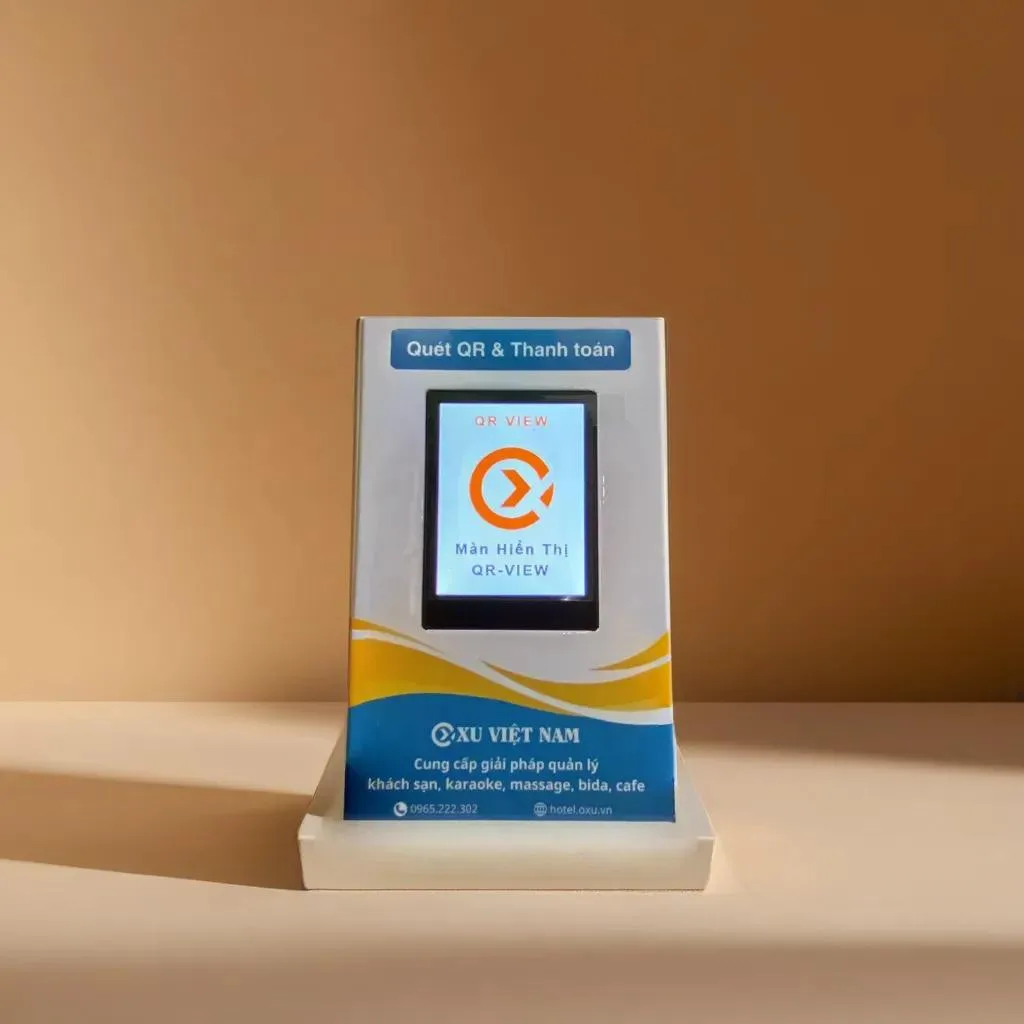
Integration documentation for billing software across many business types, with custom logo printing and designs on request.
The dynamic QR display works well with OXU software such as OHOTEL for hotels, OKARA for karaoke, OXU BIDA for billiards and our restaurant and café software. At checkout, the bill amount appears in the QR code instantly.
A dynamic QR contains the exact amount of each bill and syncs with your software, so customers don’t type amounts and every transaction is recorded.
Plug it into the computer with one USB cable, then set up the receiving account in your billing software.
OXU provides integration documentation for billing software; contact us for advice on connecting your system.
Yes, custom logos and designs are available on request.

Managing hotel bookings in Excel looks cheap but carries serious risks such as overbooking and revenue leakage. Learn a more effective solution for your hotel.
Read more →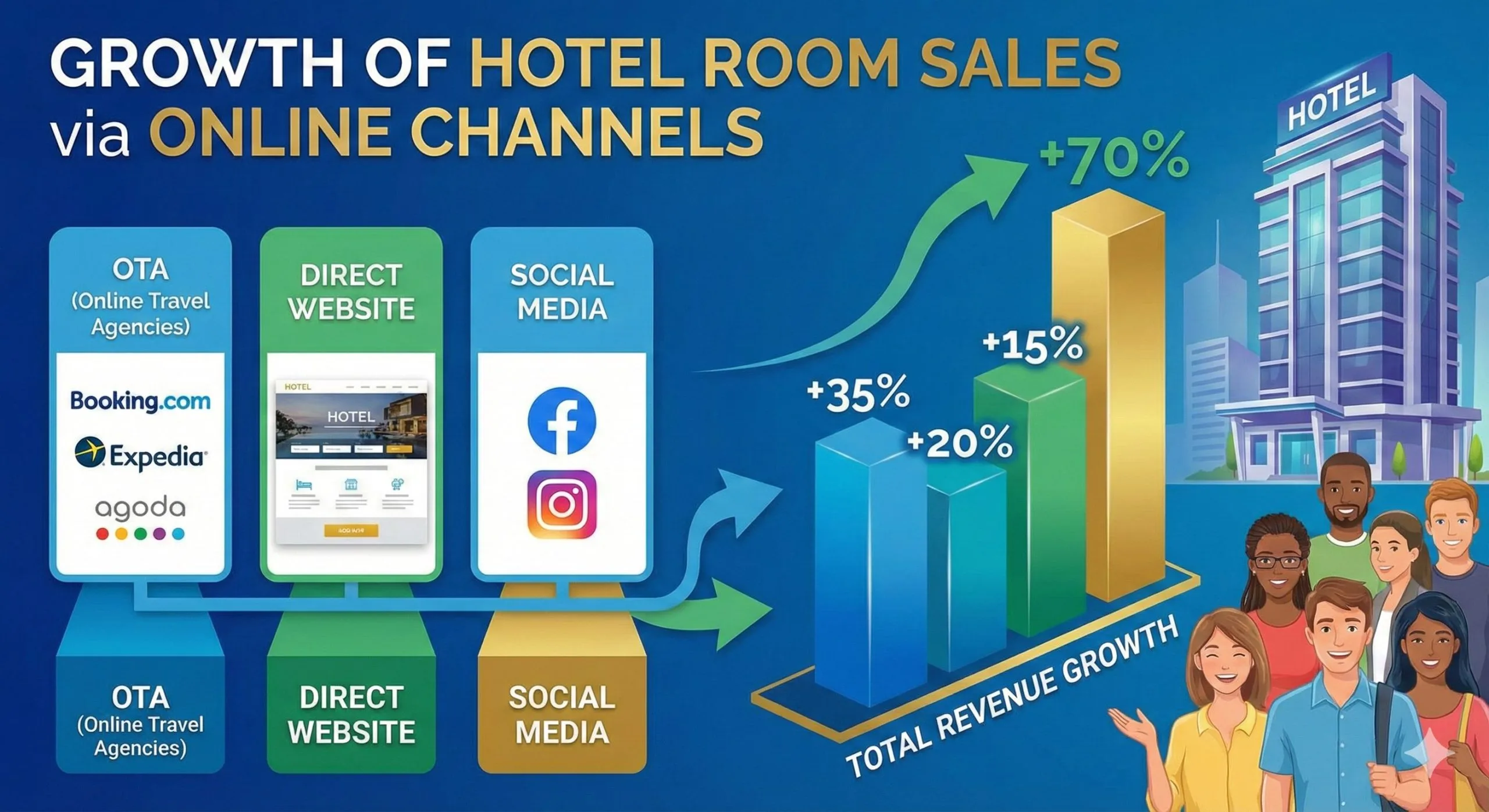
Multi-channel room distribution in 2026 helps hotels increase occupancy and revenue. Learn how to manage OTA bookings effectively and avoid overbooking.
Read more →
How much does hotel management software cost and is a free version worth it? Compare costs, pros and cons, and learn how to choose the right solution in 2026.
Read more →