I. Why check-in and check-out define the guest experience
In hospitality, the guest experience is not only about beautiful rooms or great amenities. What guests remember, review and return for is how the hotel treats them from arrival to departure. The two most important touchpoints are:
- Check-in: the first impression
- Check-out: the last impression
A good first impression shows professionalism; a good last impression makes guests return, recommend you and leave positive reviews.
In practice:
- 78% of negative OTA reviews relate to slow check-in, wrong room assignments or rooms not being ready
- 64% of guests leave unhappy because of slow check-out, payment errors or a lack of transparency
A standard, consistent, technology-supported process can cut service time by 70%, reduce errors, improve ratings on Booking.com, Agoda and Google Maps, increase front-desk productivity, optimise revenue and reduce overbooking.
II. What is check-in and why standardise it?
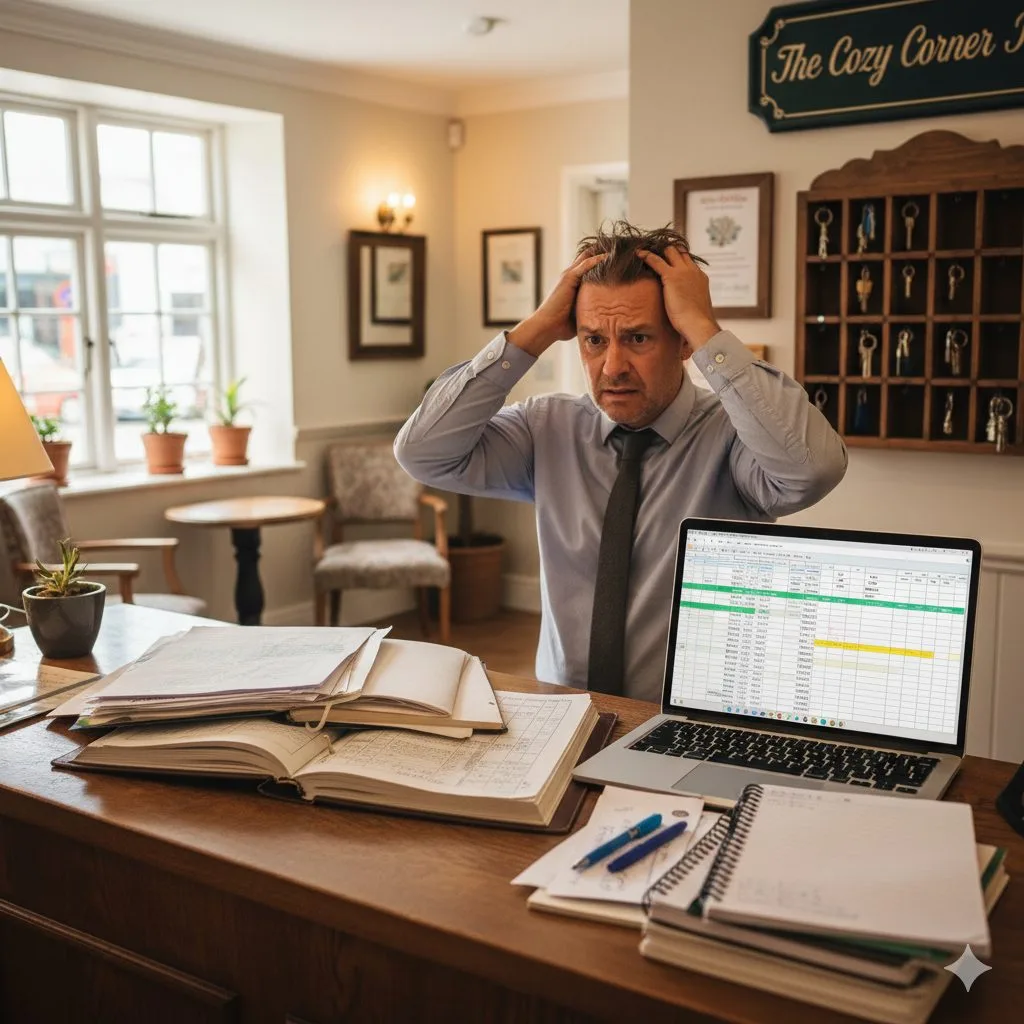
Check-in means welcoming the guest, confirming the booking, completing paperwork and handing over the room. It sounds simple, but many things can go wrong: guests arriving early before the room is cleaned, bookings not found because of OTA delays, the wrong room type assigned or missing guest information. Slow processes lead to long waits and frustration.
A standard check-in process reduces waiting, increases professionalism, creates a great first impression, removes manual errors and keeps the hotel running smoothly even when busy.
III. A standard check-in process for modern hotels
1. Prepare before the guest arrives
This is the most important step, but small hotels often skip it:
- Check room status and bookings from OTAs, the website and phone
- Make sure the room has been cleaned
- Prepare the key or key card and registration form
- Note special requests: single/double bed, room near the lift, a view, a cot for children, allergies to fragrances or pets…
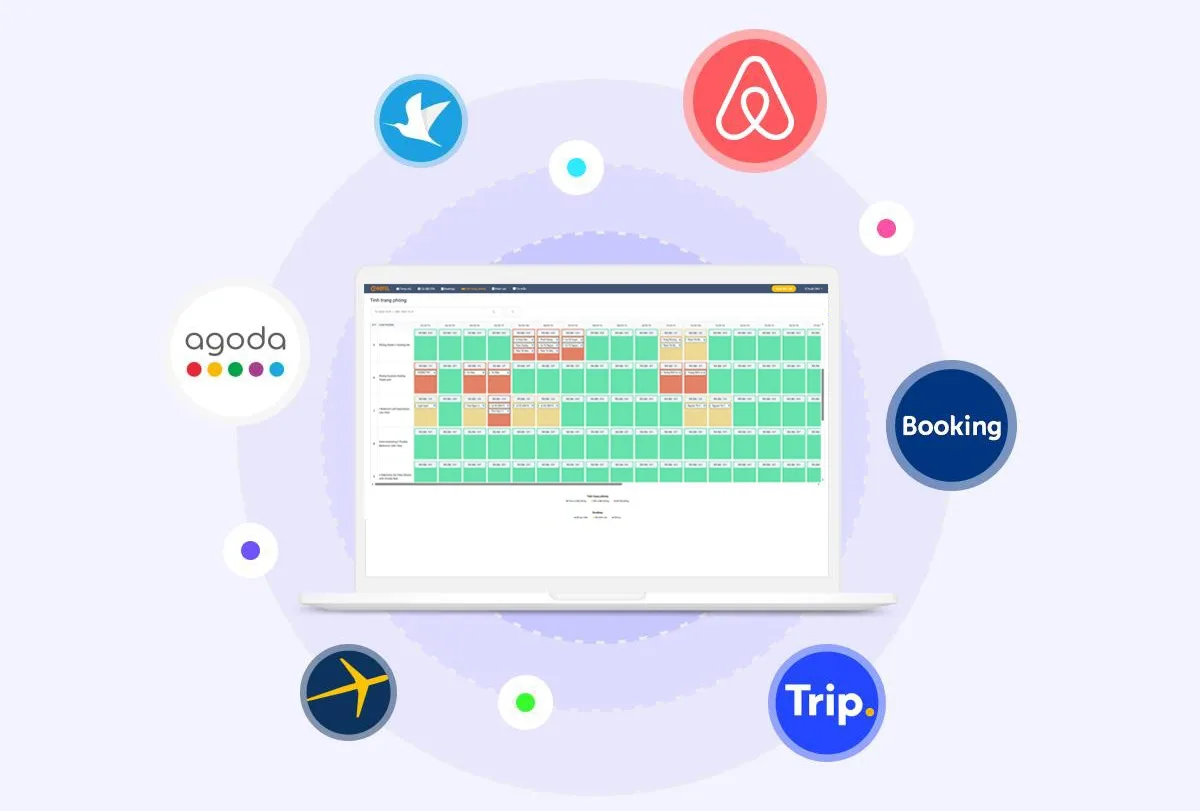
With a PMS such as OHOTEL, OTA bookings sync automatically, room status is tracked in real time, rooms are assigned automatically and receptionists never forget a booking – reducing wrong-room assignments by 90%.
2. Welcome the guest
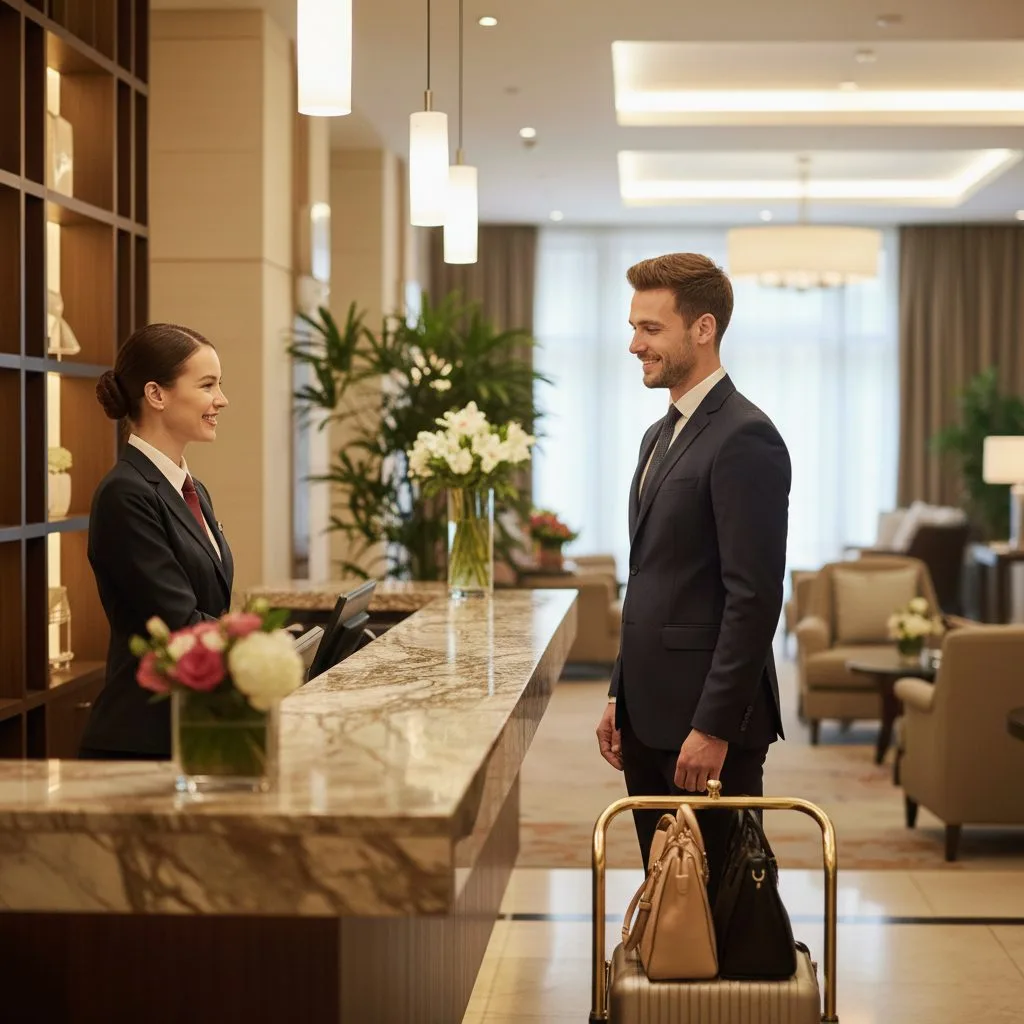
Greet the guest warmly, offer help with luggage, ask for their name and confirm the booking. For example: "Good afternoon! May I have your name or booking code so I can check your reservation?" Keep the tone natural, not robotic.
3. Confirm the booking
- OTA guests: check the booking code, room type, number of guests and notes
- Walk-in guests: suggest available room types, explain prices and policies, create a new booking
A good PMS shows all the information automatically.
4. Complete registration
Scan or record ID cards or passports, get a signature, take a deposit if needed, create the room card and record the check-in time. With a PMS, guest data is captured, stored and (if integrated) synced with police registration automatically, cutting check-in from 6 minutes to 1–2 minutes.
5. Hand over the room
Explain the room location, Wi-Fi password, breakfast time, key amenities and the extension number for help. A small touch: "If you need anything, please call reception at any time."
6. Follow the guest's experience during the stay
Make sure rooms are cleaned on time, check satisfaction and resolve requests quickly. A PMS records requests, tracks room status and coordinates housekeeping.
IV. A standard check-out process – the last impression
Slow check-out, mistakes or wrong charges easily lead to low ratings. A standard process shortens waiting, avoids errors and reduces complaints.
1. Confirm room and service details
Check the minibar, services used (food, laundry…) and room condition.
2. Provide a clear invoice
Itemise room charges, surcharges, taxes, discounts and the total.
3. Take payment
Cash, bank transfer, card or e-wallet. A PMS records transactions, prints invoices quickly and avoids manual errors.
4. Collect the key card and say goodbye
A sincere thank-you always leaves a good impression: "Thank you for staying with us – we hope to welcome you again." Invite guests to leave a review on OTAs or Google Maps; a QR code at the front desk can increase reviews by 150%.
V. Common check-in/check-out mistakes that cause complaints
- Slow check-in
- Booking not found
- Wrong room assigned
- Room not ready
- Unclear charges
- Long check-out
- Unfriendly reception staff
90% of these come from manual management or inconsistent processes.
VI. Using technology to optimise check-in and check-out
1. PMS – the heart of the process
Syncs OTA bookings, manages housekeeping in real time, speeds up check-in, reduces errors, prints invoices automatically, manages deposits, stores guest data and helps new staff learn quickly. Processes drop from 10 minutes to 2.
2. Key card locks – fast, secure room handover
When the PMS integrates key card locks, cards are created automatically from the booking, wrong-room cards are avoided and security improves. OHOTEL integrates many lock brands, including HLOCK, PHGLock and BeTech.
3. Online check-in
Guests submit their details and documents in advance and receive instructions by email or Zalo, so check-in at the desk takes just 1–2 minutes.
4. Automatic reports
Daily and weekly reports on in-house guests, arrivals and departures, revenue and front-desk performance help managers stay in control.
VII. Quick tips to upgrade check-in and check-out today
- Keep the front desk tidy
- Display quick check-out instructions
- Offer welcome drinks
- Provide free Wi-Fi as soon as guests arrive
- Train staff with the 1–3–5 rule: eye contact within 1 second, smile within 3 seconds, greet within 5 seconds
- Create task checklists for each shift
VIII. Conclusion
A hotel with a great check-in/check-out process gets fewer complaints, more positive reviews, more returning guests, less pressure on reception, smoother peak seasons, a professional image and sustainable revenue growth.