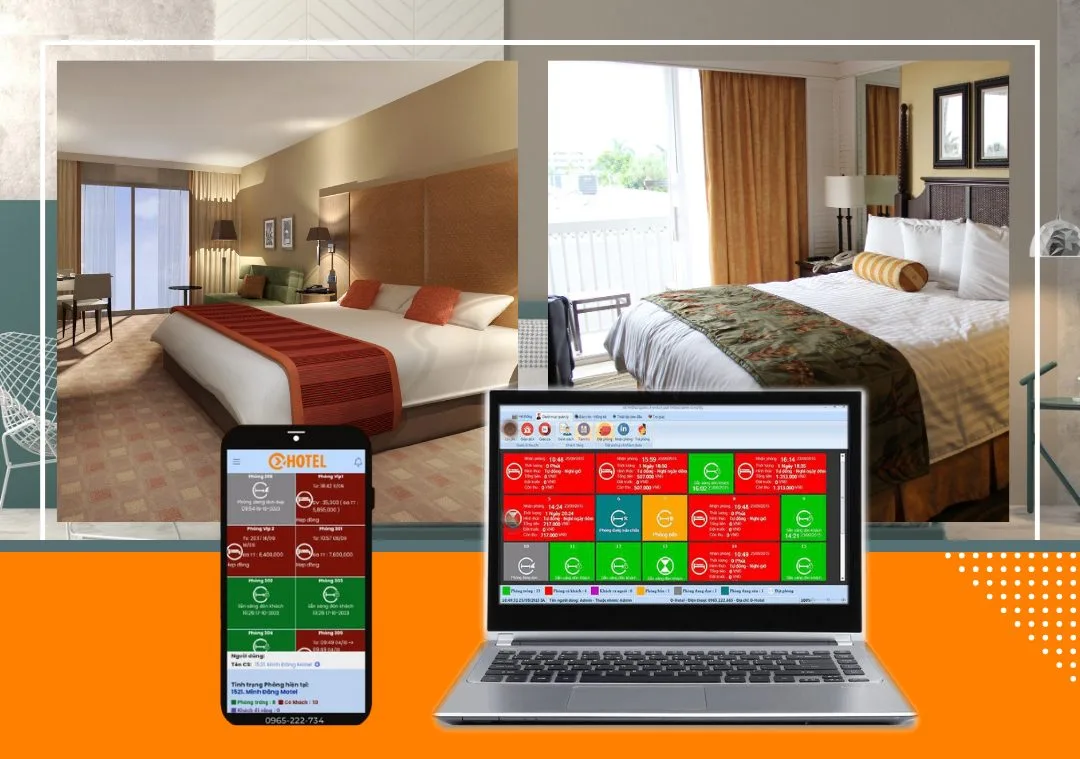
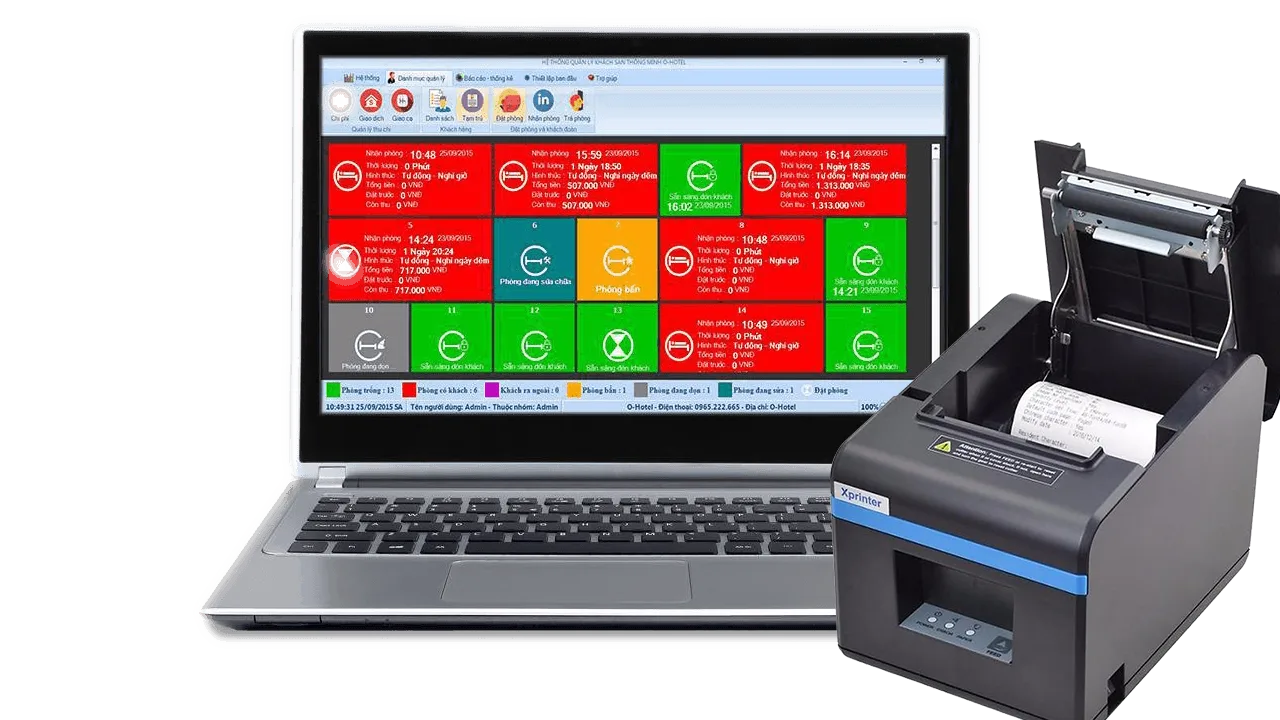
One of the first things customers love about OHOTEL guesthouse and hotel software is how easily it works with peripheral devices for management and payment, such as receipt printers and cash drawers. Printed receipts make your business more professional and let guests check details. They also help reduce losses from staff, because every print command from the software records all payments taken by staff during the day.
Integrating a receipt printer with OHOTEL
Once OXU software is installed, you just need to install the printer driver to print from the software. If you don't know how, follow these steps:
Step 1: Download the printer driver: MediaFire
Step 2: Extract the downloaded file and double-click DriverXP.exe to start the driver installer. In the Setup dialog, tick I accept the agreement and click Next >.
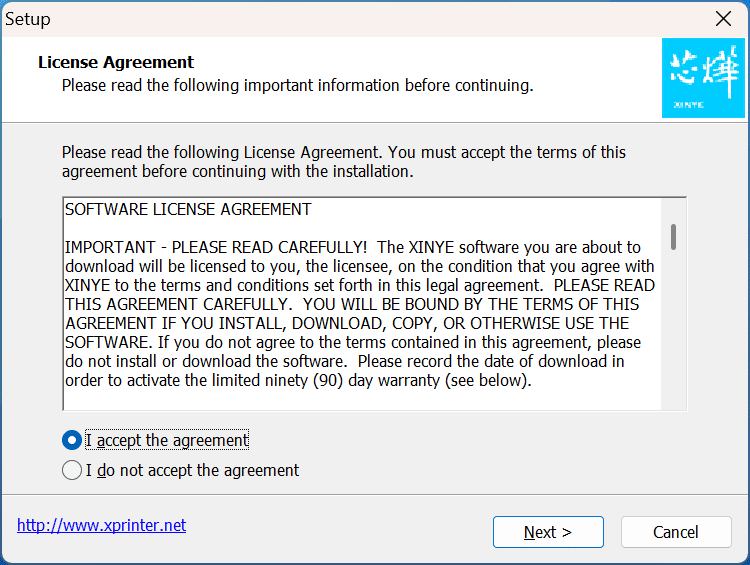
Next >
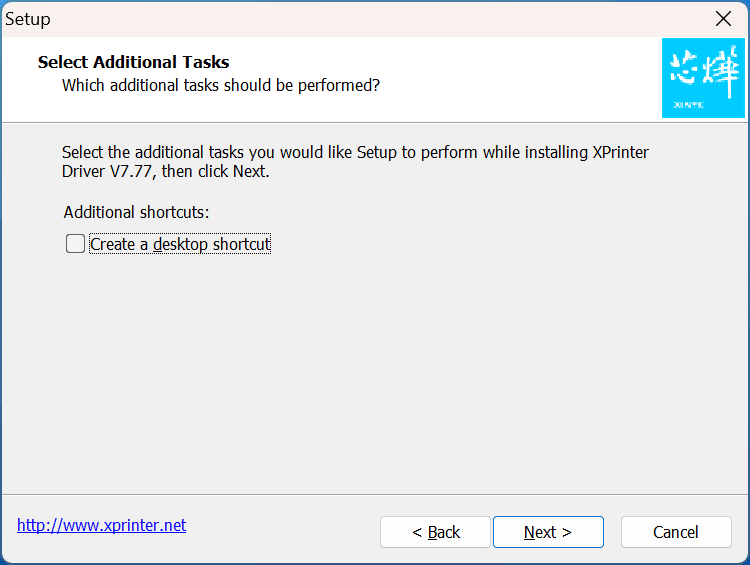
Next >
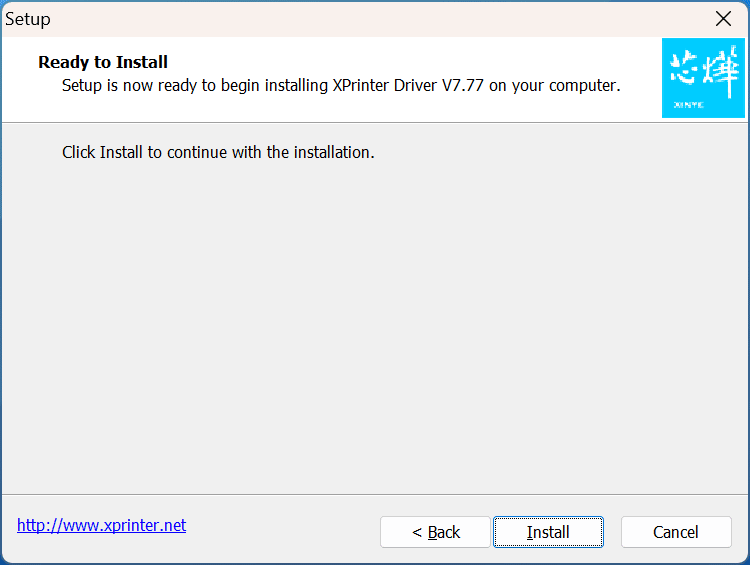
Install
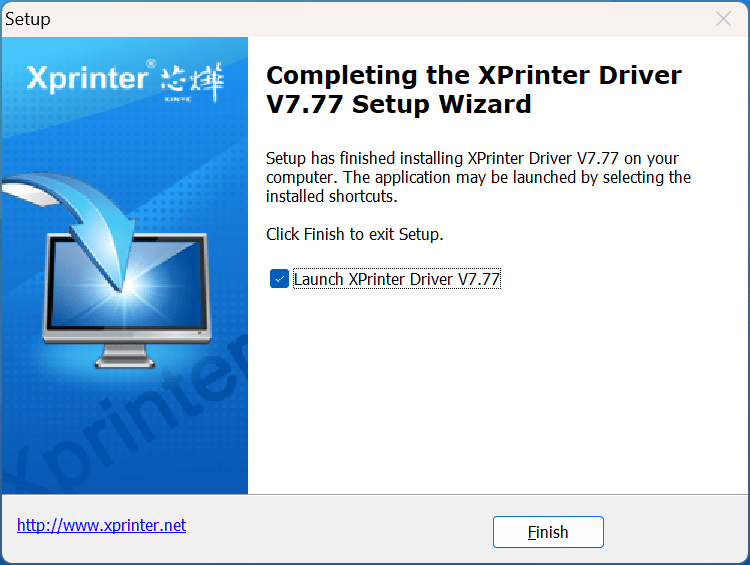
Tick Launch Xprinter Driver v7.77 and click Finish to complete the driver installation. The Install Configuration dialog then appears:
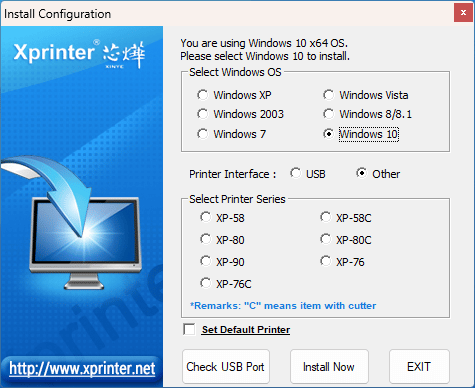
Printer interface settings
- Tick USB to connect via USB cable, or Other for another connection type
- Select Printer Series: choose the paper width you want (C for automatic paper cutting)
- Set Default Printer: if you want the XP printer to be the default printer
- Click Install Now to install
Installation is now complete. Check the printer port you selected, then click Apply > OK to finish. You can now print from OXU software.
OXU also supplies receipt printers that fully support sales and bill payment at very affordable prices:
Xprinter 58 mm receipt printer
- Brand: Xprinter
- Model: XP-58IIH
- Technology: direct thermal printing on thermal paper (no ink)
- Paper width: 57 mm (K57)
- Print speed: 90 mm/second
- Resolution: 384 dots/line
- Interfaces: USB 2.0; RJ11 (cash drawer)
- Print head life: 100 km
- Automatic paper cutting: yes
Xprinter K80 receipt and label printer
A thermal receipt printer with an 80 mm (K80) print width and USB interface, printing bills by direct thermal printing.
- Brand: Xprinter
- Model: XP-N160II
- Technology: direct thermal printing
- Automatic paper cutting: yes
- Print width: 72 mm (K80)
- Print speed: 160 mm/second
- Resolution: 512 dots/line (min), 576 dots/line (max)
- Interface: USB
- Automatic cash drawer opening: yes (RJ11 port)
- Compatibility: 80 mm receipt paper rolls from 45 mm to 80 mm in diameter
Contact us to order
Learn more about OHOTEL.
OXU Vietnam Co., Ltd.
- Head office: Yen Phong New Urban Area, Yen Phong, Bac Ninh
- Hanoi branch: 6th floor, 29 Le Dai Hanh, Hai Ba Trung, Hanoi
- Ho Chi Minh City branch: 1C Lot 5, Ba Diem Residential Area, Hoc Mon, HCMC
- Hotline: 0965.222.302
- Email: Contact@oxu.vn