Notice to customers using OHOTEL's Zalo notification service: Zalo has changed its policy. From 1 April 2021, users must reply to a notification message after every 8 messages received within 48 hours of their previous reply to keep receiving OHOTEL notifications on Zalo. The OHOTEL desktop software must also be updated to the latest version 6.5.5.6. For any questions, please call our support hotline: 0965.222.302. Thank you!
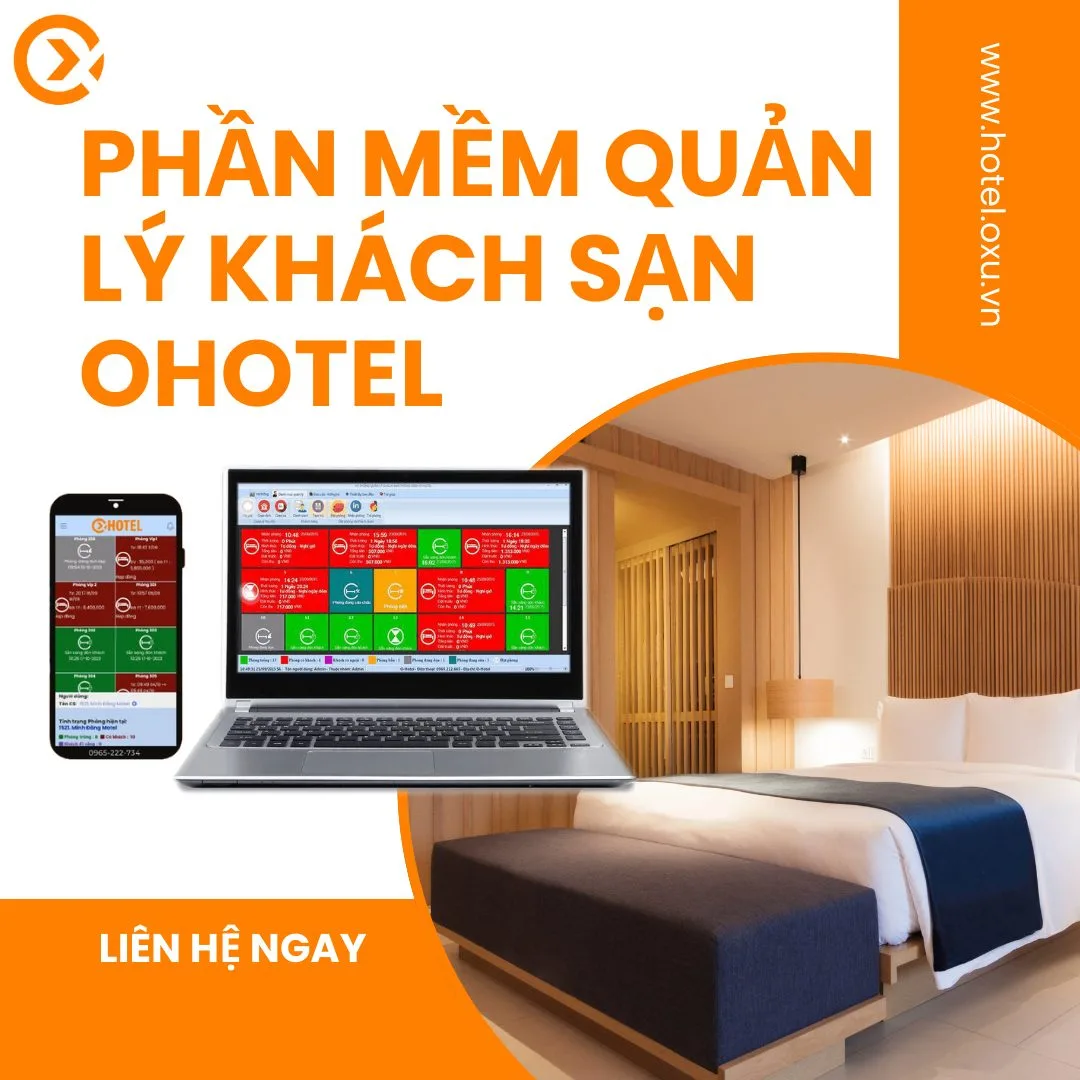
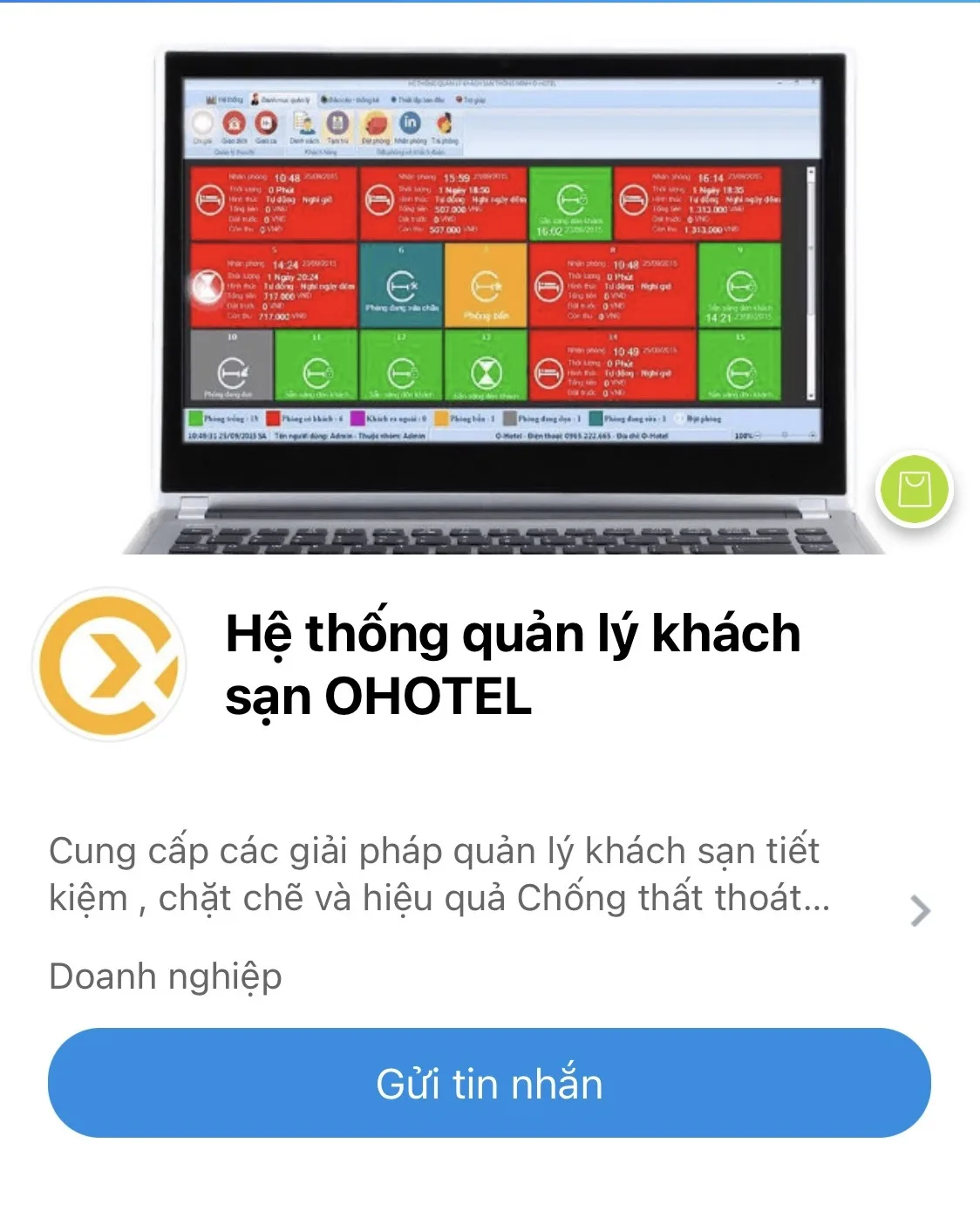
Managing anytime, anywhere is what OHOTEL wants to bring customers – especially suited to the way small hotels and guesthouses in Vietnam are run. Every owner wants to stay up to date with what is happening at their property, so OHOTEL launched hotel status updates via Zalo.
1. How do OHOTEL's Zalo notifications work?
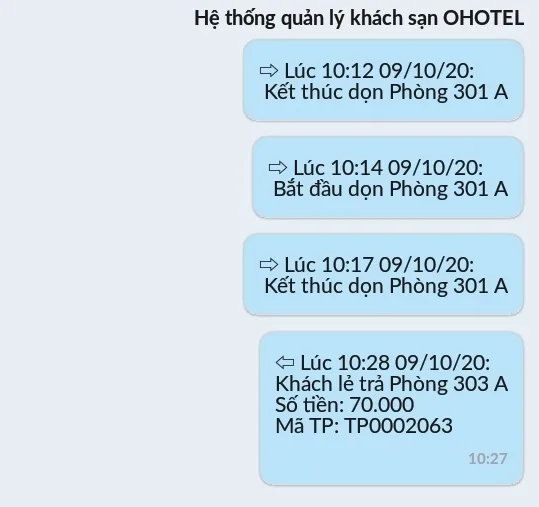
This feature works with the Zalo chat app as notification messages. Whenever room status changes in OHOTEL – renting a room, checking out, starting or finishing cleaning – a notification is sent almost instantly with full details such as the room number, rental code and time of the action. Managers can monitor staff activity, track business performance and make adjustments.
2. Is there a fee for Zalo notifications?
Zalo notifications are a privilege for customers officially registered for OXU's management software – hotel, karaoke, billiards and massage, not just OHOTEL. The feature is included in the software package at no extra cost.
3. How to set up Zalo notifications
- Open OXU's official Zalo account in the Zalo app: OHOTEL hotel management system, or search for it in Zalo and tap Follow.
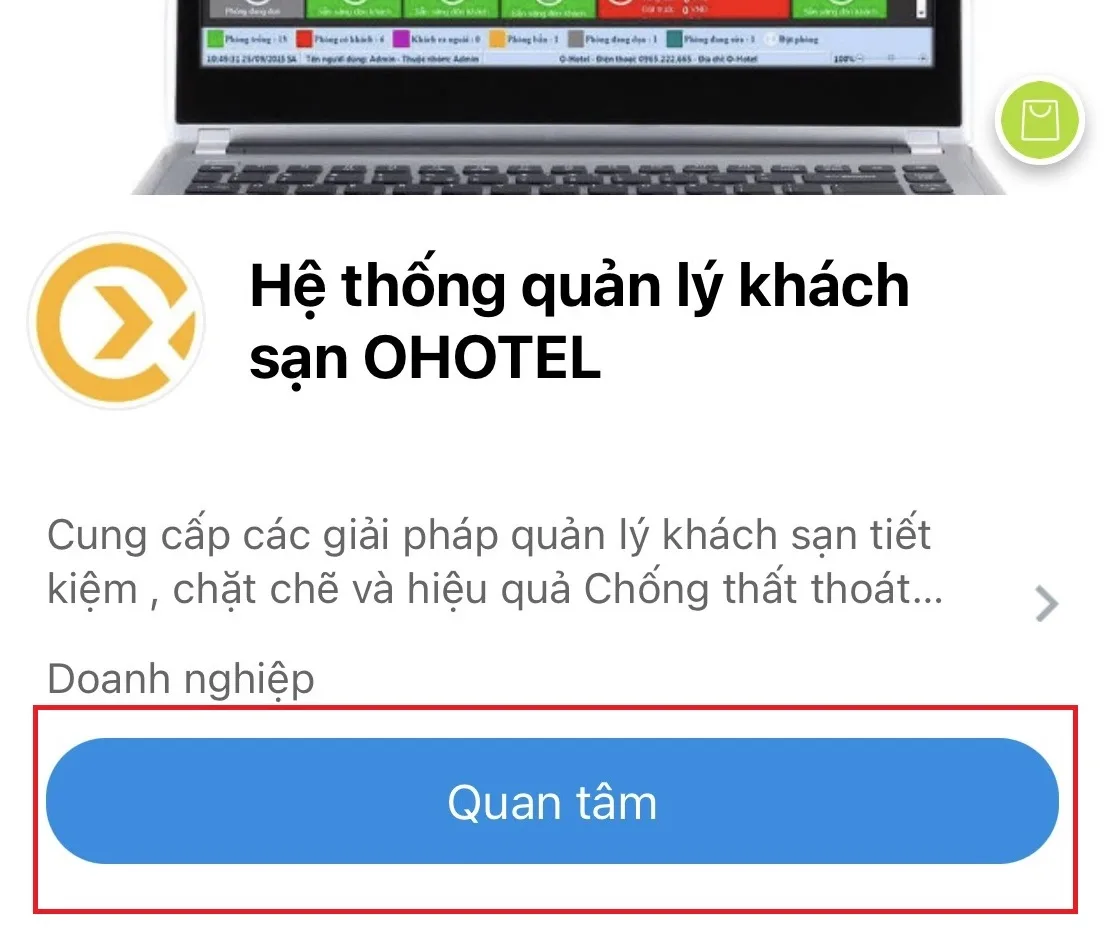
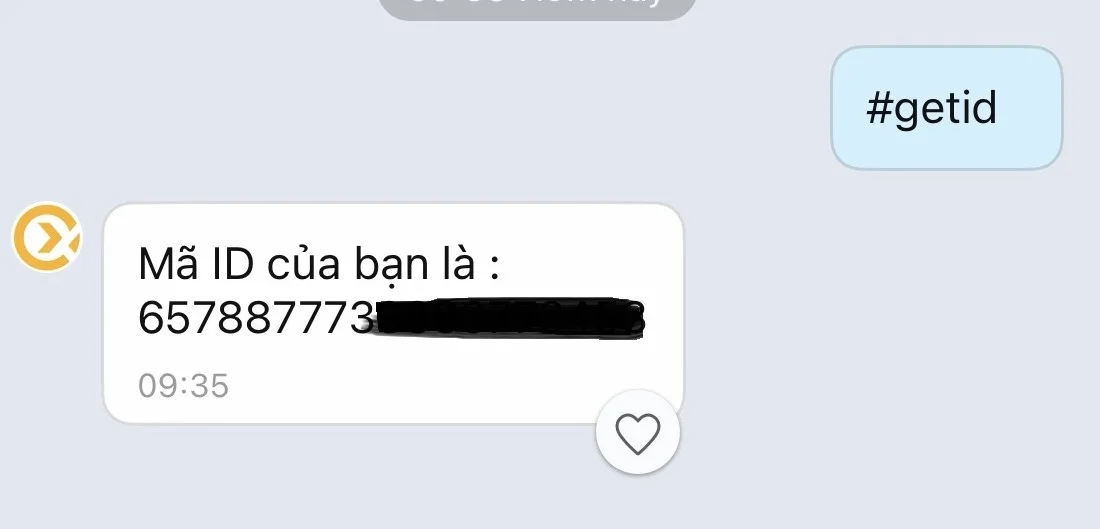
- Tap message and send #getid. The system will reply with your ID number.
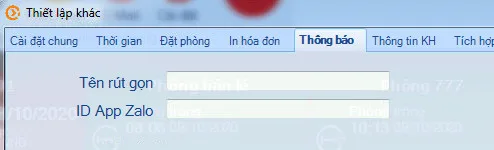
- Open the software on your computer and go to Initial setup → Settings → Notifications. Enter a short name for your property and paste the ID you received into the Zalo app ID field (copy it to avoid typos). To receive notifications for several properties, enter all IDs on one line separated by semicolons ;. Click Save and the service is ready.
4. Test the feature
After setup, try checking a guest into a room and see whether your phone receives a Zalo message from the OHOTEL hotel management system. If it works, you'll see a message like this:
If you still don't receive messages, the property's Windows computer may have an internet certificate error or other system issues. Please contact OXU's customer care team for help. Learn more about OHOTEL hotel management software.
OXU Vietnam Co., Ltd.
- Head office: Yen Phong New Urban Area, Yen Phong, Bac Ninh
- Hanoi branch: 6th floor, 29 Le Dai Hanh, Hai Ba Trung, Hanoi
- Ho Chi Minh City branch: 1C Lot 5, Ba Diem Residential Area, Hoc Mon, HCMC
- Hotline: 0965.222.302
- Email: Contact@oxu.vn